Import UDIM displacement(sculpt using maps in Mudbox), color, and mask textures.
NOTE: Windows only
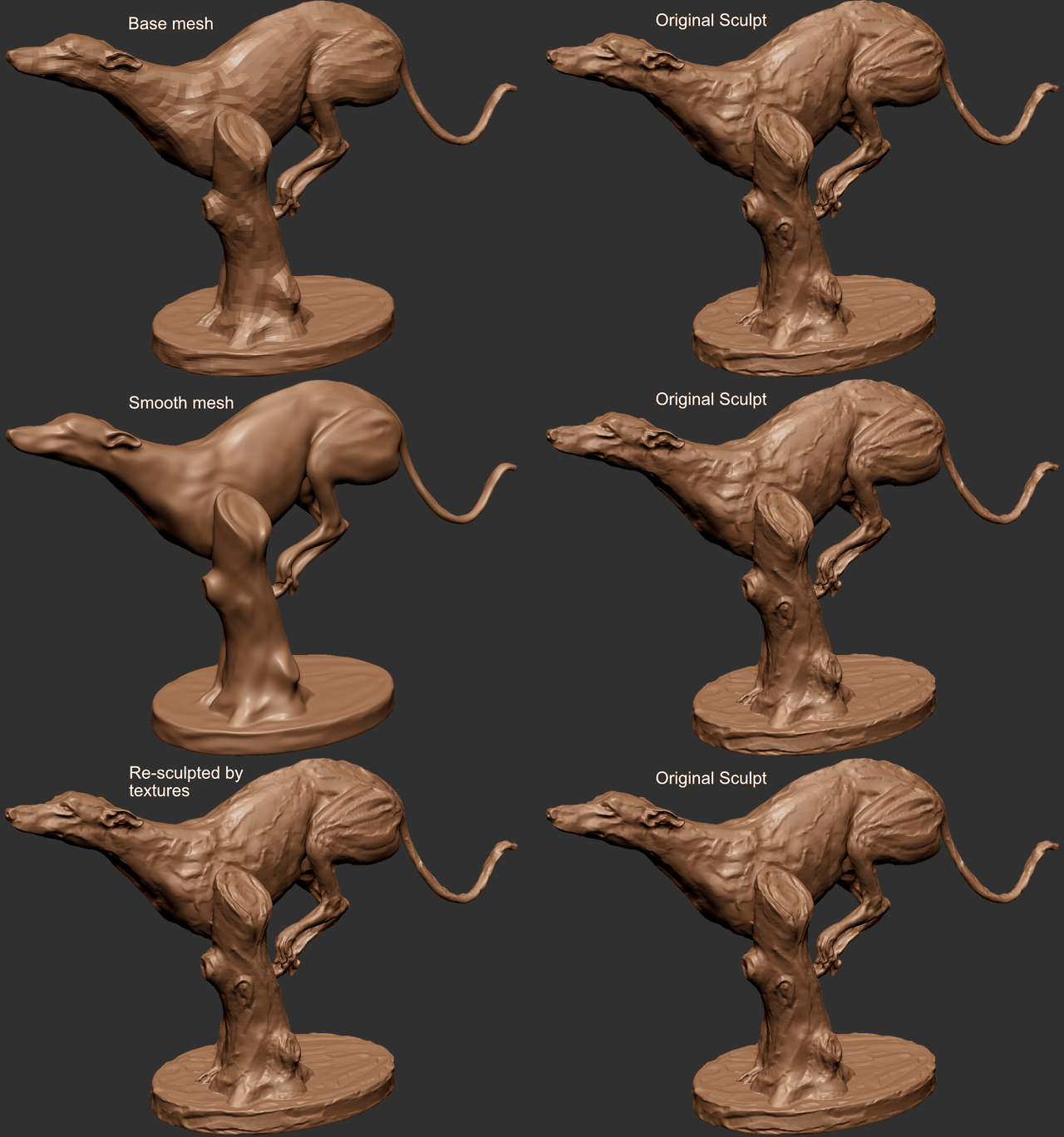
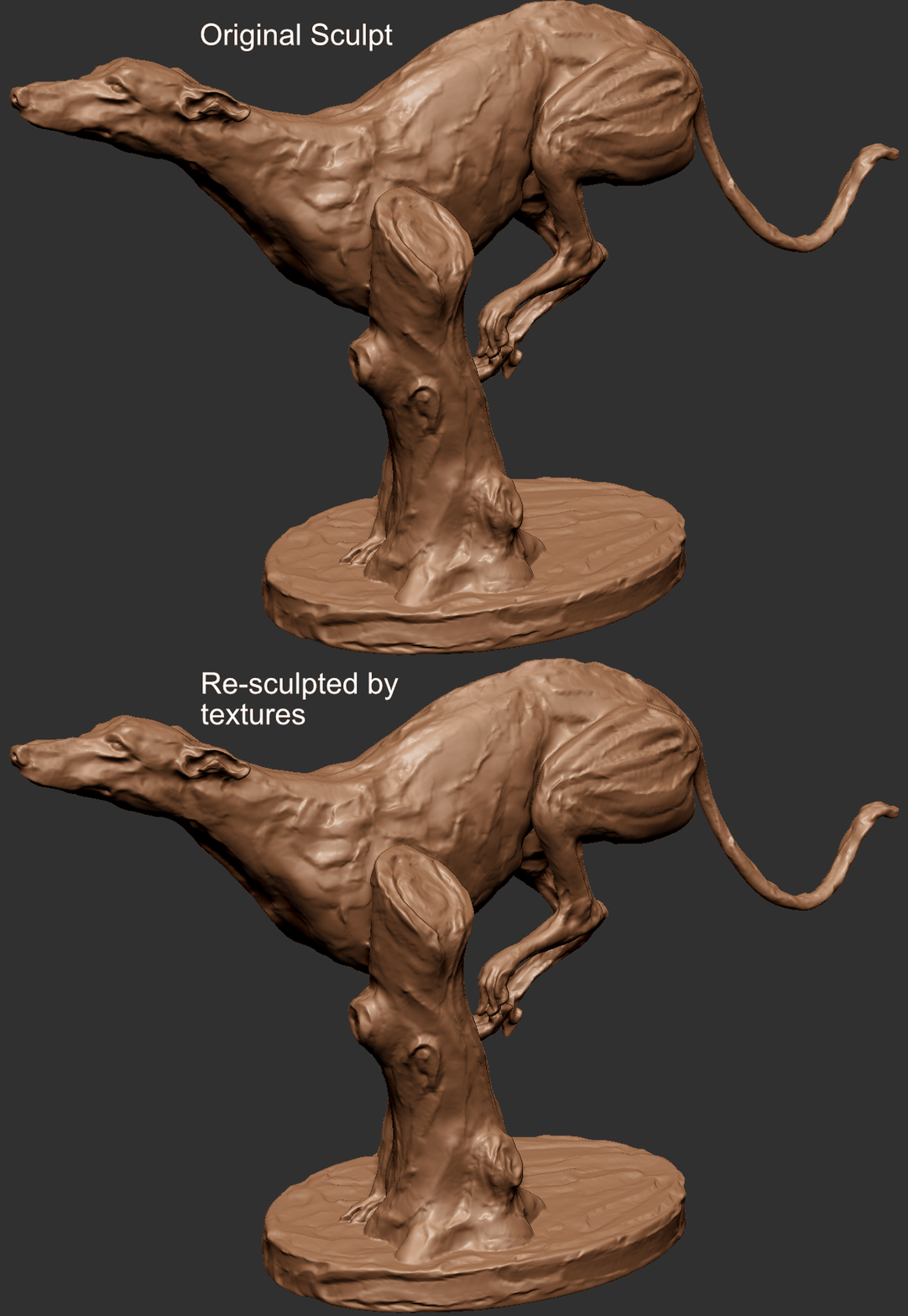
Resculpted mesh vs the orignal:
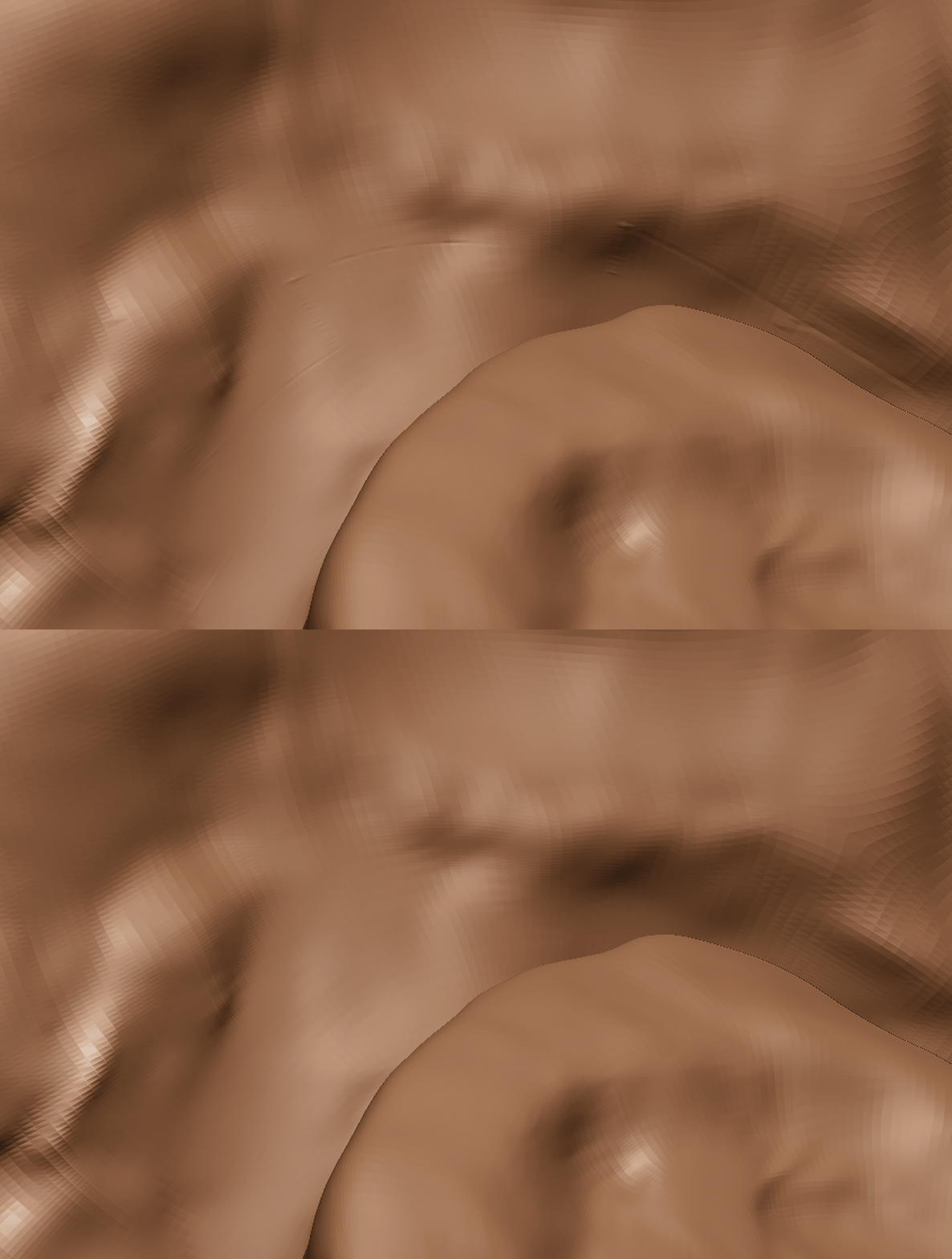
If everything(mesh, UVs, Smooth options, map settings, etc) are all correct and consistent, then the result should be pretty close to the original, still you may have some lines around the UV borders.
Tested on Windows 11 (local and remote) with ZBrush 2022, 2023, and 2025. Results are based solely on my personal environment and may not be representative of all setups.
- Go to release page, download the latest and extract it.
- Move
UDIMTextureImporter3.zsctoZPlugs64folder. - Move
UDIMTextureImporter3Datafolder toZPlugs64folder.
So they should be placed like this
└── ZBrush 202X/
    ├── ZBrush.exe
    └── ZStartup/
        └── ZPlugs64/
            ├── UDIMTextureImporter3.zsc
            └── UDIMTextureImporter3Data/
                ├── UDIMTextureImporter3.dll
                ├── tiff.dll
                ├── zlib.dll
                ├── deflate.dll
                └── ZFileUtils/
                    └── ZFileUtils64.dll
Go to ZPlugin -> UDIMTextureImporter3.
Make sure textures are in UDIM naming convention (eg. filename.1001.tif, filename.1002.exr, etc),
Images need to be exported from ZBrush/Mudbox.
- 32 bit tif/tiff (compression: None, and Deflate, LZW with zlib and deflate lib)
- 16 bit FP exr
- For tangent space vector displacement, textures need to be exported in the following settings.
- Mid value 0.0
- ZBrush: FlipAndSwitch and TangentFlipAndSwitch: 25
- Mudbox: Absolute tangent
Color import doesn't work if layer recording is turned on. Make sure it's turned off.
- 8/16 bit tiff/exr
- 8/16 bit tiff/exr
You don't need to build by yourself as long as the released binary works. Other than that you may need to build by yourself.