
This repository contains the base or "Core" images from which all other Workspaces images are derived. These images are based off popular linux distributions and contain the wiring necessary to work within the Kasm platform.
While these images are primarily built to run inside the Kasm platform, they can also be executed manually. Please note that certain functionality, such as audio, uploads, downloads, and microphone passthrough are only available within the Kasm platform.
sudo docker run --rm -it --shm-size=512m -p 6901:6901 -e VNC_PW=password --build-arg START_XFCE4=1 kasmweb/<image>:<tag>
The container is now accessible via a browser : https://<IP>:6901
- User :
kasm_user - Password:
password
For more information about building custom images please review the How To Guide
The Kasm team publishes applications and desktop images for use inside the platform. More information, including source can be found in the Default Images List
Kasm Workspaces is a docker container streaming platform that enables you to deliver browser-based access to desktops, applications, and web services. Kasm uses a modern DevOps approach for programmatic delivery of services via Containerized Desktop Infrastructure (CDI) technology to create on-demand, disposable, docker containers that are accessible via web browser. The rendering of the graphical-based containers is powered by the open-source project KasmVNC
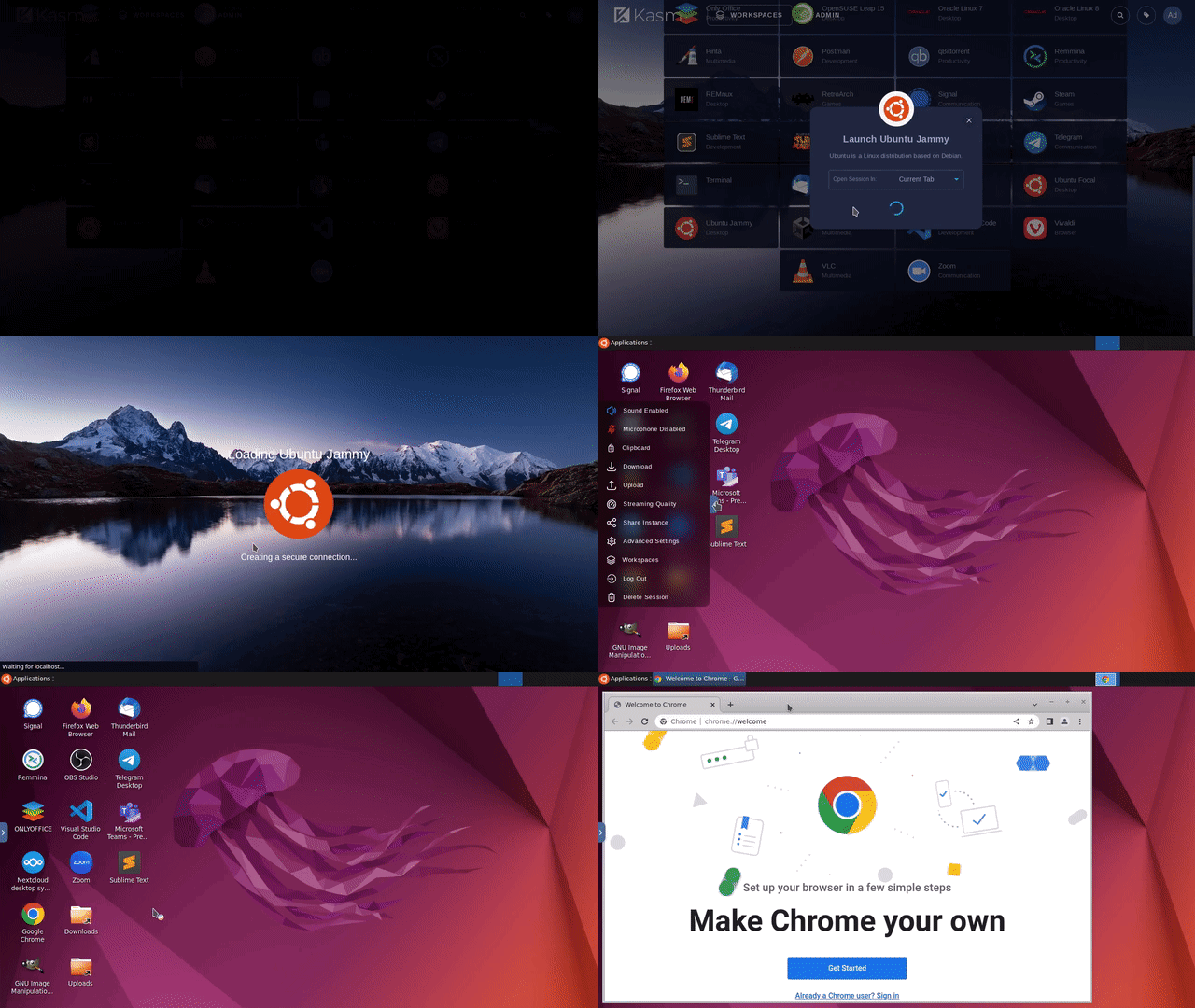
Kasm Workspaces was developed to meet the most demanding secure collaboration requirements that is highly scalable, customizable, and easy to maintain. Most importantly, Kasm provides a solution, rather than a service, so it is infinitely customizable to your unique requirements and includes a developer API so that it can be integrated with, rather than replace, your existing applications and workflows. Kasm can be deployed in the cloud (Public or Private), on-premise (Including Air-Gapped Networks), or in a hybrid configuration.
A self-guided on-demand demo is available at kasmweb.com
Build scripts for creating core images locally are in scripts/ and require
yq v4.53.3 (downloaded and sha256-verified automatically on first run; cached at ~/.cache/kasm/yq/).
All commands must be run from the repository root.
Initialize git submodules first — these are required to build the KasmOS image:
git submodule update --init --recursive
./scripts/build-image.sh --list-images
To build an image directly (tagged local_build by default):
./scripts/build-image.sh --build kasmweb/core-ubuntu-jammy
To inspect the docker build command before running it:
./scripts/build-image.sh --list-image-build-command kasmweb/core-ubuntu-jammy
To list build commands for all images:
./scripts/build-image.sh --list-images-build-commands
Override the image tag with -t:
./scripts/build-image.sh --build kasmweb/core-ubuntu-jammy -t my-tag
To report any issues for this repository, please use our central issue tracker: Kasm Workspaces Issue Tracker