
The problem with a lot of webapps is that you can't scroll the content up by simply clicking the top bar of the screen, this also includes apps created with Framework7. The reason for this is that not the document itself is scrolled, but the content of a div element is. This leads to nice looking momentum and fixes most problems with position:fixed elements. However, one big flaw is that you take away the user's ability to quickly scroll up a list by simply clicking the top of the screen. This little plugin for Framework7 fixes this by showing a small blue button at the top of the screen once the user has started scrolling down a bit. It looks like this:
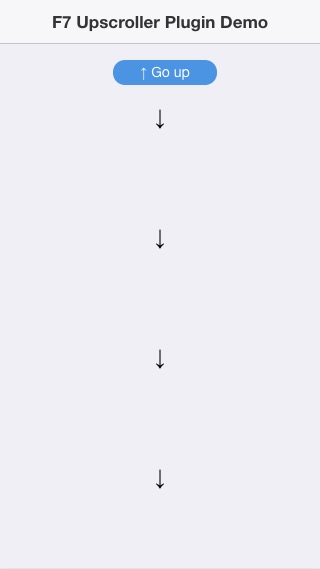
Plugin comes with demo example to see how it works and looks.
-
To check the demo directly from the repository, you should install bower dependencies.
Go todemo/folder and execute in terminalbower install -
Or you could simply check it here http://www.timo-ernst.net/misc/upscrollerdemo/
Very simple. Just copy the CSS and JS files from dist/ folder to your project and reference them:
<link rel="stylesheet" href="upscroller.min.css">
<script type="text/javascript" src="upscroller.min.js"></script>
The plugin will be initialized automatically. The default label of the button is 'Go up'. If you'd like to change the button label, simply declare it during your app's initialization.
fw7App = new Framework7({
  upscroller: {text : 'Your button label'}
});To change the look and feel, just edit upscroller.css and you should be ready to go! Let me know if you need any other stuff that you miss!
Made with <3 by www.timo-ernst.net