
Wikipedea of major criminals, criminal organizations and crime events. CMS based admin panel, which is capable of scraping 500 wikipedea pages in a few seconds.
- Official site: https://crimewiki.site
- Find me at https://www.linkedin.com/in/anupamkhosla/
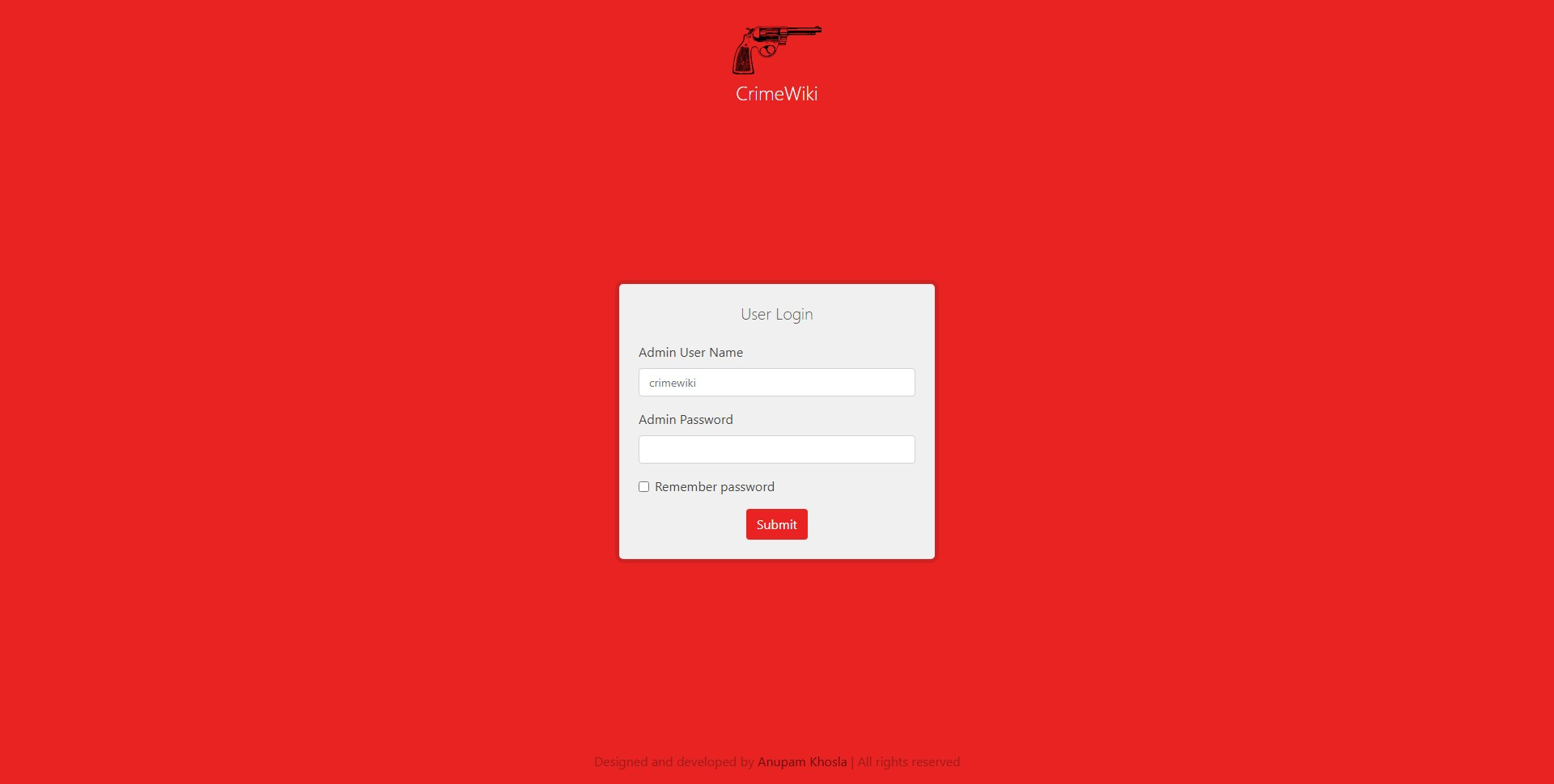
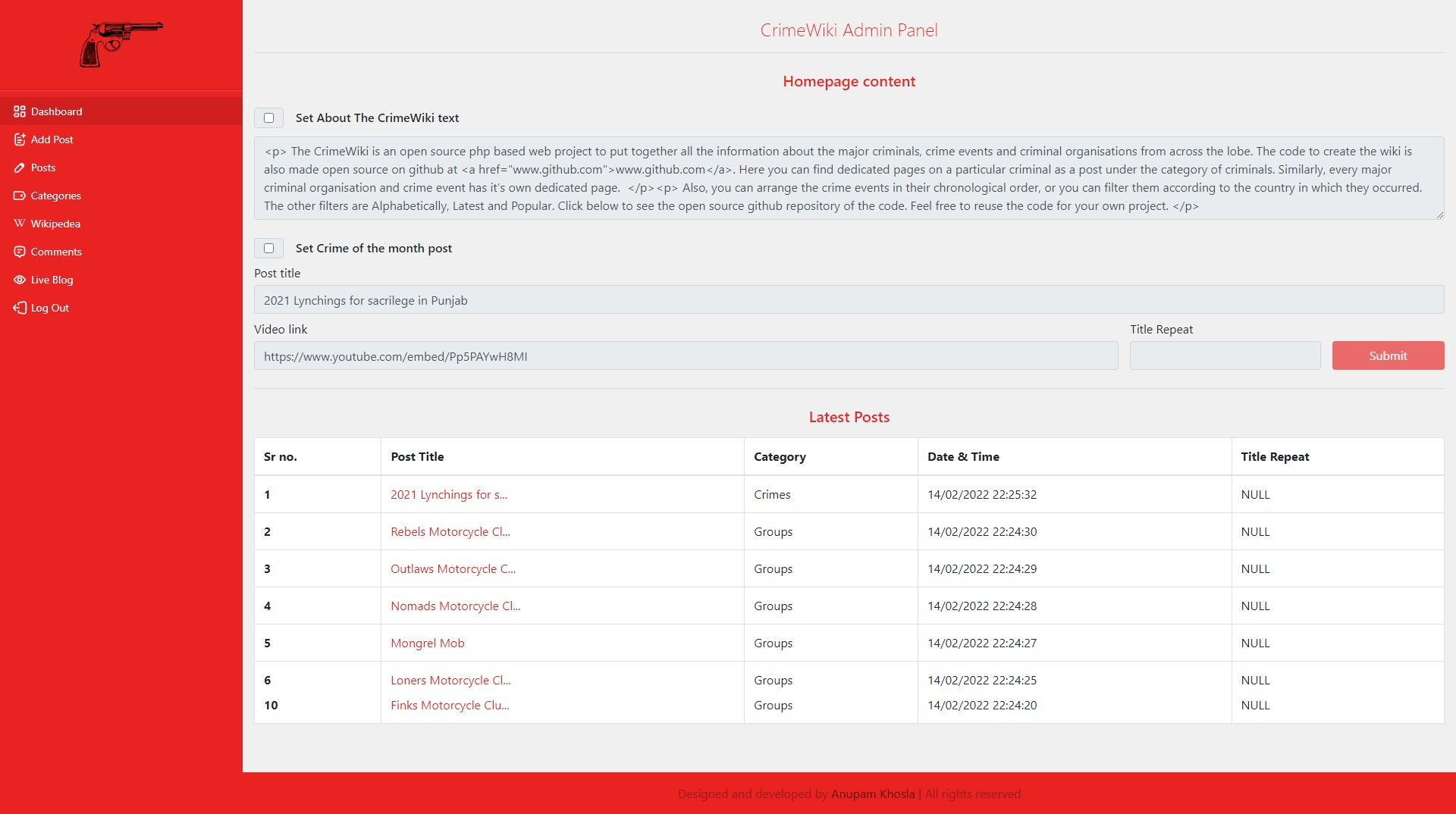
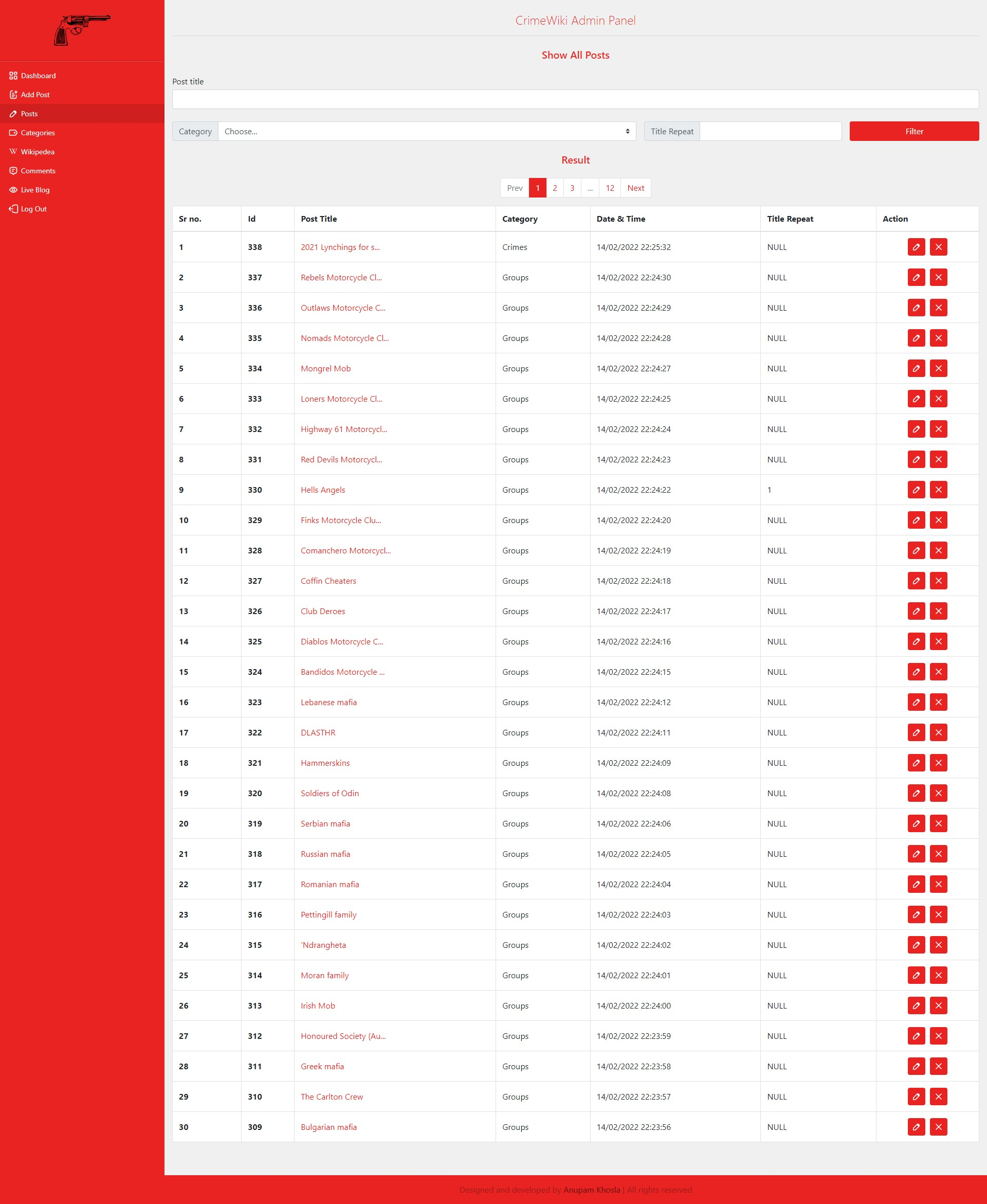
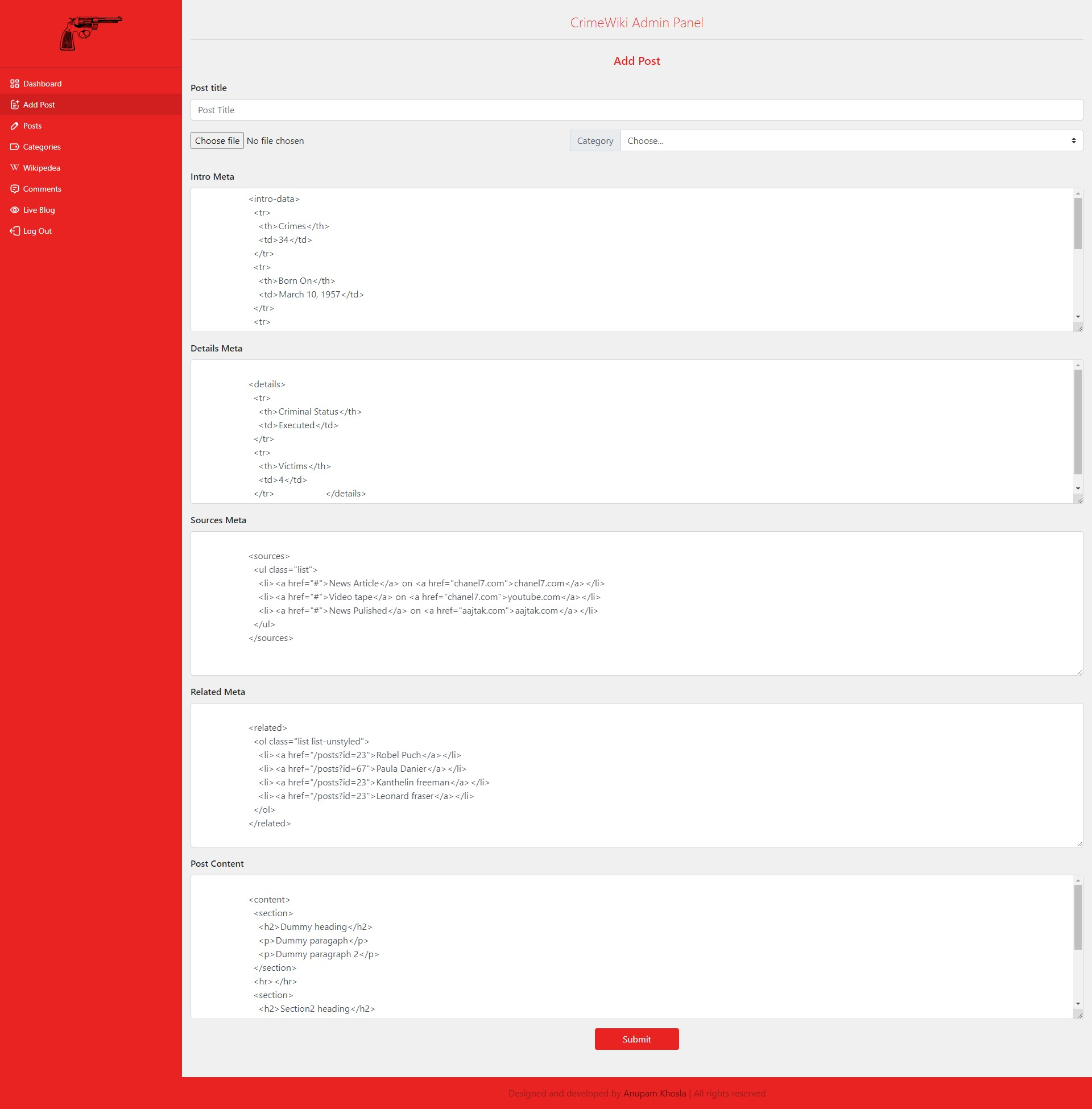
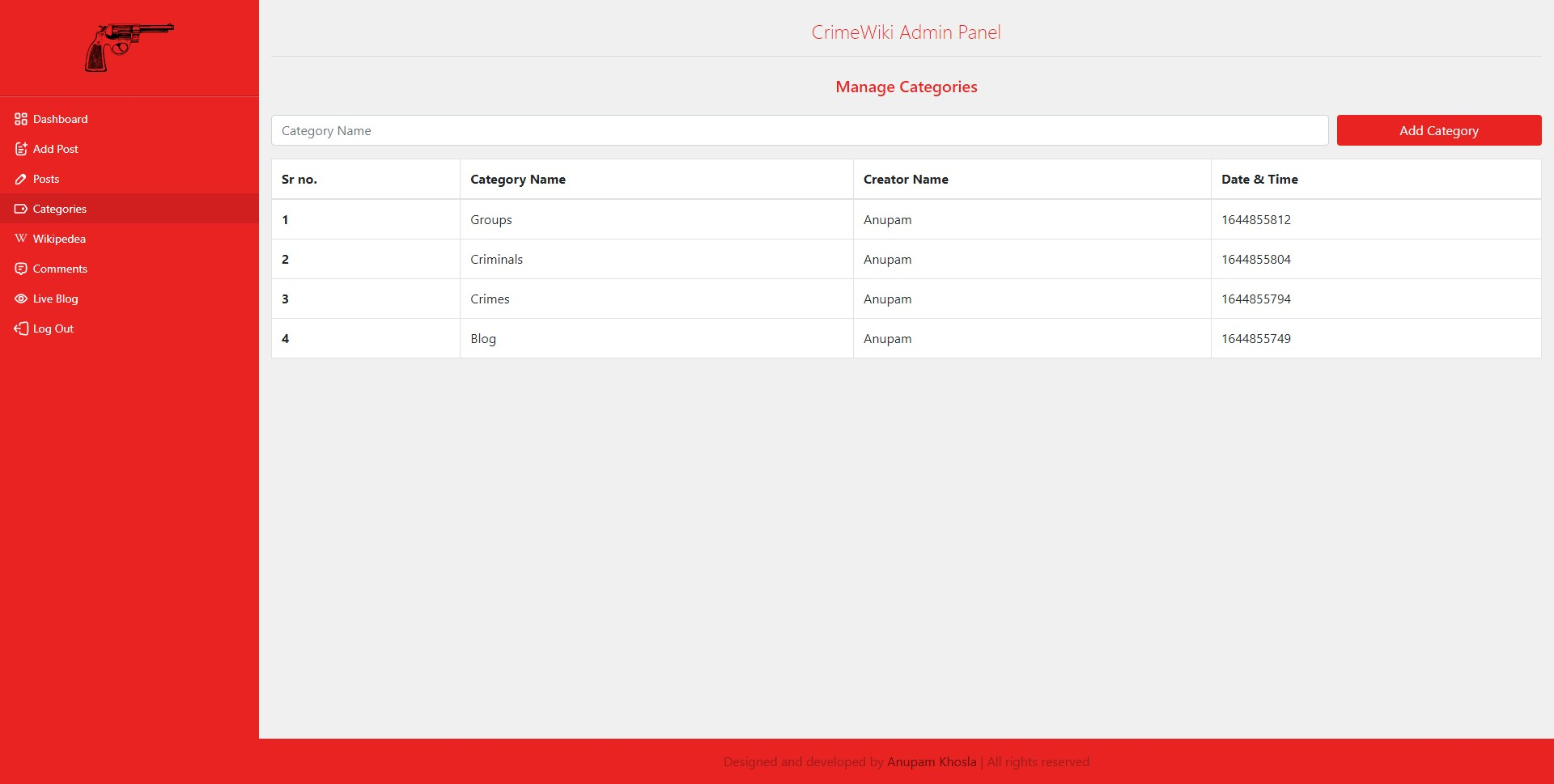
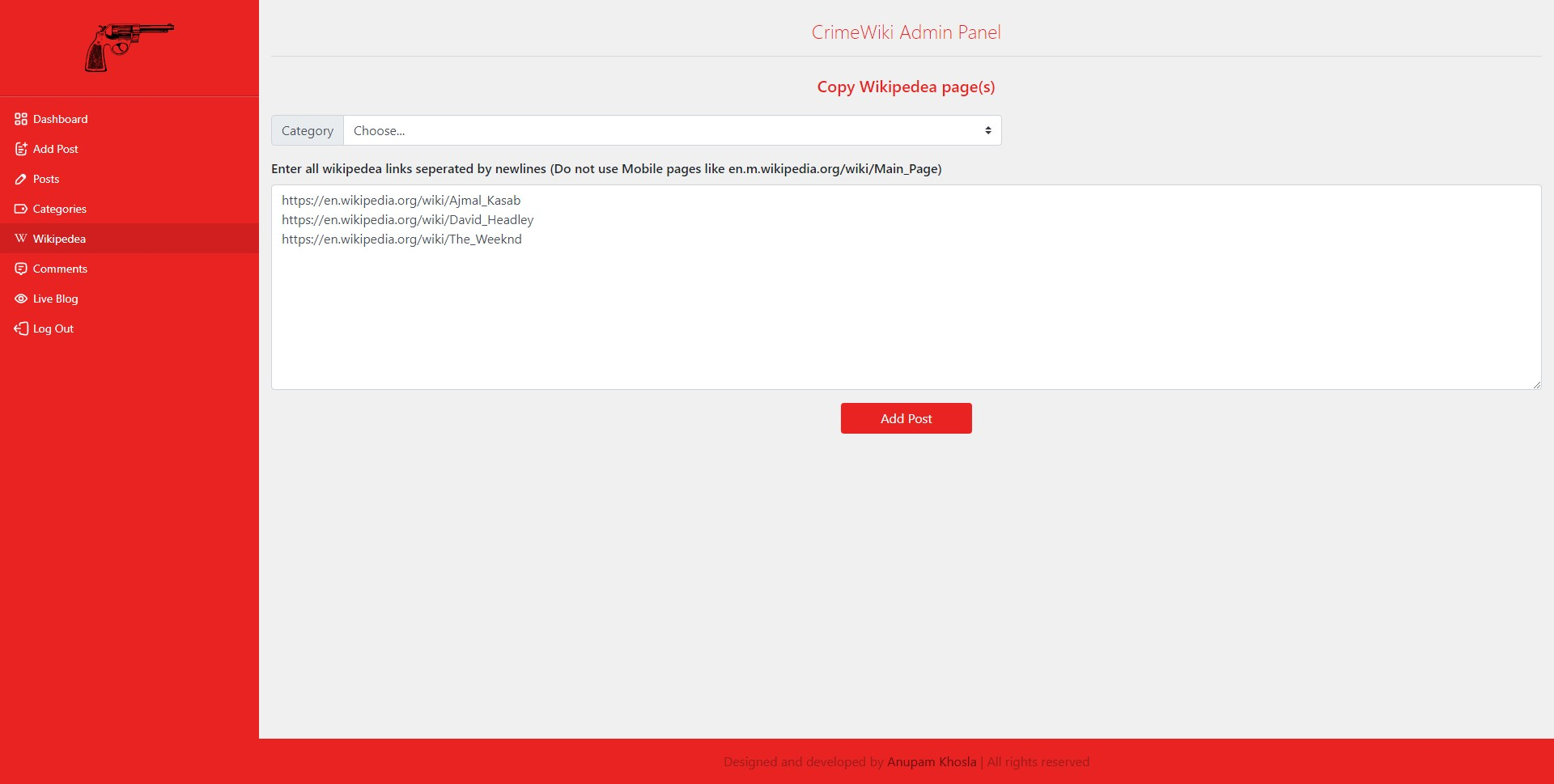
Admin Panel looks like :
- Login page: https://anupamkhosla.github.io/crimeWiki/assets/img/login.png
- Dashboard page: https://anupamkhosla.github.io/crimeWiki/assets/img/dashboard.png
- Posts search: https://anupamkhosla.github.io/crimeWiki/assets/img/posts.png
- Addpost page: https://anupamkhosla.github.io/crimeWiki/assets/img/addpost.png
- Categories page: https://anupamkhosla.github.io/crimeWiki/assets/img/categories.png
- Wikipedea page: https://anupamkhosla.github.io/crimeWiki/assets/img/wikipedea.png
Step 1: Download this git repository.
Step 2: Decide how your database credentials are provided.
- Config file (shared hosting, most VPS setups): copy
include/config.example.phptoinclude/config.phpand fill in DB values. - Browser setup flow (this repo's default path): visit
login.php, enter DB credentials in the setup form, and the app will generateinclude/config.phpfor you. - Important: this repo's normal PHP runtime reads
include/config.php; it does not currently load DB credentials from.envautomatically.
cp include/config.example.php include/config.php
Step 3: Open login.php in your browser. The setup form will:
- Connect using the DB user/password you enter.
- Create the database if it doesn’t exist (and then write
include/config.phpwithSETUP = true). - Create tables and the first admin account after you complete the registration form.
Use a DB user that has permission to create databases/tables, or pre‑create the DB and grant it privileges.
Step 4:
- Go to yourdomain/categories.php page first and create a category named
Criminals. Homepage will showCriminalscategory by default. - Add a minimum of one post through yourdomain/wikipedea.php or yourdomain/addpost.php.
- Go to yourdomain/dashboard.php and copy
titleof that post. - Paste the title into
Crime of the month post. - Set the
About The CrimeWiki text.
Go to yourdomain and the website will work now.
Shared hosting (cPanel/DirectAdmin/etc.)
- Upload files to
public_html(or the web root). - Create a MySQL database + user in the hosting panel.
- Copy
include/config.example.php→include/config.phpand fill in DB values. - Visit
/login.phpto finish setup (creates tables + admin).
VPS / bare‑metal (manual PHP + Apache/Nginx)
- Ensure PHP, MySQL, and required extensions are installed (
mysqli,mbstring,dom,curl). - Configure your web server to point to the project root.
- Copy
include/config.example.php→include/config.phpand fill in DB values. - Visit
/login.phpto finish setup.
Docker (local or VM)
- Local Docker-only development uses the optional web profile:
docker compose --profile local up -d --build app-fpm web. - On the VM, host Nginx serves static files and sends PHP directly to
app-fpm; do not start the localwebprofile there. - Visit
http://localhost/login.phpfor local setup. The VM remains available athttps://crimewiki.site/. - The VM lifecycle starts phpMyAdmin through its tools profile and host Nginx preserves
https://crimewiki.site/phpmyadmin/. The container binds only to VM loopback8082; to use it privately, tunnel withgcloud compute ssh crimewiki --zone=us-east1-c -- -L 8082:127.0.0.1:8082and openhttp://127.0.0.1:8082/locally. - For DB import, uncomment the seed line in
docker-compose.ymland start with an empty DB volume.
Reverse proxy + HTTPS + webhook deploy (VPS/VM)
- This repo includes a lightweight ops bundle under
ops/for:- Nginx reverse proxy (HTTP->HTTPS)
- Let's Encrypt certs (non-interactive)
- maintenance mode during deploys
- webhook-triggered deploys on low-memory VMs
- Prereqs:
- DNS A record for
crimewiki.site(andwww) pointing to the VM - Port 80/443 open in firewall
- Docker PHP-FPM bound privately to host port 9070 (already set in
docker-compose.yml)
- DNS A record for
Recommended VPS/VM workflow
- Clone this repo onto the VM at the path you want to keep using long-term.
- Prepare Docker/database env vars on the VM if your Compose stack depends on a local
.env. - Run
ops/scripts/setup_server.shonce to install Nginx, Certbot, the webhook listener, deploy/start scripts, and systemd services. - Complete the app setup in the browser so
include/config.phpis generated, or createinclude/config.phpmanually if you prefer. - Add the printed webhook URL and secret to GitHub.
- From then on, normal code updates should be done by
git push, which triggers the webhook deploy on the VM. - If the VM was down during a push, boot recovery will do a best-effort
git pulland then start the stack from the latest available checkout.
What to run on a brand new VM
- Clone the repo:
git clone https://github.com/AnupamKhosla/crimeWiki.git
cd crimeWiki
- Run the one-time bootstrap:
sudo bash ops/scripts/setup_server.sh crimewiki.site admin@crimewiki.site "$(pwd)"
- Optional but recommended on very small VMs:
sudo cp scripts/setup_swap.service /etc/systemd/system/setup_swap.service
sudo systemctl daemon-reload
sudo systemctl enable --now setup_swap.service
- Finish the app setup by visiting
/login.php.
How production stays in sync with Git pushes
- Normal case:
git push-> GitHub webhook -> VM/hooks/deploy->/usr/local/bin/deploy.sh-> best-effortgit pull-> copied VM files refreshed -> app/webhook services ensured -> site switched live. - If GitHub is reachable but
git pullfails, deploy logs the failure and serves the last working local checkout instead of leaving the site down. - If the VM is down when you push, GitHub cannot deliver the webhook event. When the VM later boots,
crimewiki-start.shdoes a best-effortgit pulland then runsdocker compose up -d. - A reboot can catch the VM up to the latest repo checkout, but only a successful deploy path refreshes the copied files under
/etcand/usr/local/bin.
When you still need SSH
- First-time bootstrap of a new VM.
- Repairing a VM when Nginx/webhook are too broken for GitHub webhooks to reach
/hooks/deploy. - Inspecting logs:
sudo tail -n 200 /var/log/deploy.log
sudo tail -n 200 /var/log/crimewiki-start.log
sudo journalctl -u nginx -u webhook -u crimewiki-app --no-pager -n 200
One-time server bootstrap Run this on your VM (as root or with sudo):
sudo bash /path/to/repo/ops/scripts/setup_server.sh \
  crimewiki.site admin@crimewiki.site /path/to/repo
Outputs:
- Webhook URL to add in GitHub/GitLab:
https://crimewiki.site/hooks/deploy - GitHub Webhook Secret:
<value printed by script>(usesX-Hub-Signature-256) - Secrets are stored on VM in
/etc/secrets/secrets.env - Environment file is stored on VM in
/etc/crimewiki.env - The script also installs
/usr/local/bin/deploy.sh,/usr/local/bin/crimewiki-start.sh, and the systemd units forwebhookandcrimewiki-app
VM environment file
- Deploy scripts load
/etc/crimewiki.envforDOMAINandREPO_DIR. - The repo contains
ops/env/crimewiki.envand deploys copy it to/etc/crimewiki.env. - If you want to change domain or repo path, edit
ops/env/crimewiki.env, push, and deploy.
DOMAIN=crimewiki.site
REPO_DIR=/home/anupamkhosla1993/crimeWiki
If the domain changes
- Update
/etc/crimewiki.envwith the new domain and reload Nginx:
sudo nano /etc/crimewiki.env
sudo nginx -t && sudo systemctl reload nginx
Why /etc and /usr/local/bin
- The webhook calls
/usr/local/bin/deploy.sh, not the repo script, because it must be a stable entrypoint even while the repo is mid‑pull. /etcholds system configuration (Nginx, webhook), so we copy fromops/into/etcrather than running from the repo.- This avoids partial updates, path drift, and deploy failures caused by running scripts directly from a repo that is actively changing.
Config and secret ownership
include/config.phpis app/database config. It is git-ignored and is normally created by the browser setup flow inlogin.php/include/setup.php./etc/crimewiki.envis deploy-managed VM config. It currently contains onlyDOMAINandREPO_DIRand is intentionally overwritten fromops/env/crimewiki.envduring deploys./etc/secrets/secrets.envholds live VM secrets such asWEBHOOK_SECRETandPROXY_SECRET_TOKEN. It is created bysetup_server.sh/crimewiki-ensure-secrets.shand reused on later deploys./etc/webhook/hooks.yml.templateis copied fromops/webhook/hooks.yml. At service start,webhook.servicerenders the live runtime config at/run/crimewiki-hooks.ymlusingWEBHOOK_SECRETfrom/etc/secrets/secrets.env.- Docker Compose may also rely on a local
.envfile forDB_NAME,DB_USER,DB_PASS, andDB_ROOT_PASS. That file is git-ignored and VM-specific.
Files copied into the VM by setup/deploy
ops/env/crimewiki.env->/etc/crimewiki.envops/nginx/crimewiki.conf->/etc/nginx/sites-available/crimewiki.confops/nginx/crimewiki_maintenance.conf->/etc/nginx/sites-available/crimewiki_maintenance.confops/maintenance/index.html->/var/www/maintenance/index.htmlops/systemd/webhook.service->/etc/systemd/system/webhook.serviceops/systemd/crimewiki-app.service->/etc/systemd/system/crimewiki-app.serviceops/scripts/start_stack.sh->/usr/local/bin/crimewiki-start.shops/scripts/deploy.sh->/usr/local/bin/deploy.shops/scripts/ensure_secrets.sh->/usr/local/bin/crimewiki-ensure-secrets.sh
Deploy flow
When the webhook fires, /usr/local/bin/deploy.sh will:
- Ensure Nginx is running. If it is down, try
systemctl start nginx. - Switch Nginx to maintenance mode (503).
- Optional: stop heavy services (set
STOP_SERVICES=1in/usr/local/bin/deploy.sh). - Best-effort
git pull --ff-only origin main. If pull fails, the script logs a warning and continues with the existing local checkout instead of leaving the site down. - Copy deploy-managed templates from the repo into
/etc/...and/usr/local/bin/.... - Refresh the webhook template/service files. The running
webhook.servicerenders its live runtime config fromops/webhook/hooks.ymlusingWEBHOOK_SECRETfrom/etc/secrets/secrets.env. - If the repo contains a newer
deploy.sh, install it to/usr/local/bin/deploy.shand re-exec once withSKIP_PULL=1. systemctl enable webhook crimewiki-app, then start them if needed.- Switch Nginx back to the live app config.
Deploy logging
- Deploy logs go to
/var/log/deploy.log. - Service-level logs can also be inspected with:
sudo journalctl -u nginx -u webhook -u crimewiki-app --no-pager -n 200
Automatic recovery after VM reboot
- The Docker services now use
restart: unless-stopped, so once started they are allowed to come back with the Docker daemon. - The VM bootstrap installs a systemd unit named
crimewiki-app.servicethat runs/usr/local/bin/crimewiki-start.shon boot. crimewiki-start.shbest-effort pulls latest code and then runsdocker compose up -d. If Git is unavailable, it still starts the stack from the local checkout.- Boot/start logs go to
/var/log/crimewiki-start.log. webhook.serviceis also enabled during bootstrap, so the webhook listener should come back on reboot if the VM systemd state is intact.- If the VM was down during a Git push, the GitHub webhook event is missed. The boot-time best-effort
git pullis what allows the VM to catch up when it comes back. - To verify on the VM:
sudo systemctl status crimewiki-app --no-pager
sudo systemctl status webhook --no-pager
sudo systemctl status nginx --no-pager
sudo docker ps
- To enable it manually on an existing VM before the next reboot:
sudo cp /path/to/repo/ops/scripts/start_stack.sh /usr/local/bin/crimewiki-start.sh
sudo chmod +x /usr/local/bin/crimewiki-start.sh
sudo cp /path/to/repo/ops/systemd/crimewiki-app.service /etc/systemd/system/crimewiki-app.service
sudo systemctl daemon-reload
sudo systemctl enable --now crimewiki-app
Deploy script behavior knobs
KEEP_MAINT_ON_ERROR=1(default): if deploy fails, keep maintenance mode on.KEEP_MAINT_ON_ERROR=0: always switch back, even on errors.PULL_USER=...: rungit pullas a specific user (defaults to the sudo user).LOG_FILE=/var/log/deploy.log: append deploy logs here.STOP_SERVICES=1: stop MySQL / containers during deploy for extra RAM headroom on tiny VMs.
Server start helper (pull + swap + docker)
- Run on the VM when you want to update and start services:
bash scripts/server_start.sh
- This script:
- pulls latest code
- ensures swap is enabled
- starts Docker containers (without wiping DB volumes)
Low‑memory VM swap (recommended for e2‑micro / 1 GB RAM)
- Manual method (not needed if you use
scripts/server_start.sh). - Create swap (VPS/VM only; not possible on shared hosting):
sudo ./scripts/setup_swap.sh 8G
- To run automatically on boot (recommended on GCP):
- Copy the systemd unit file:
sudo cp scripts/setup_swap.service /etc/systemd/system/setup_swap.service
- Edit the
ExecStartpath in the unit if your repo path is different. - Enable and start it:
sudo systemctl daemon-reloadsudo systemctl enable --now setup_swap.service
- Copy the systemd unit file:
Managed platforms (env‑var based)
- Many managed PHP platforms inject DB credentials via environment variables and expect apps to read them at runtime.
- This repo does not currently read DB credentials from environment variables in its default PHP code path, so managed platforms usually still need a platform-specific adaptation or a generated
include/config.php.
Meta: php will automatically create category named Blog -- this is mandatory for homepage to show dynamic posts and about us section text. php will make two posts in the blog category, namely $blog_month_post and $blog_about_text. These two will be used to store about us data and monthly-post data.
Footer note: the homepage category filter includes Blog, but the footer category lists intentionally exclude Blog.
Proxy note: use proxy.php?url=... for the live proxy. The path-style route /proxy/<urlencoded-url> is currently unreliable on production because encoded slashes in the path can be rejected before the rewrite reaches PHP.
htaccess rewrites being used:
<IfModule mod_rewrite.c>
    Options -MultiViews
    RewriteEngine On
    RewriteRule ^sitemap/sitemap-index.xml sitemap/sitemap-index.php    [QSA,B]
    RewriteRule ^sitemap/sitemap(\d+).xml sitemap/sitemap.php?page=$1   [QSA,B]
    RewriteRule ^sitemap/sitemap(\d+).txt sitemap/sitemap.php?page=$1   [QSA,B]
    RewriteRule ^post/(\d+$) post.php?id=$1                             [QSA,B]
    RewriteRule ^post/([^/]+)/(\d+) post.php?title=$1&repeat=$2         [QSA,B]
    RewriteRule ^post/([^/]*) post.php?title=$1                         [QSA,B]
 </IfModule>

 <IfModule mod_rewrite.c>
   # RewriteEngine On
   # RewriteRule ^post/(\d+(/|$)).* post.php?id=$1
   # RewriteRule ^post/(?!\d+($|/))([^/\n\r]+)($|/)(\d+)? post.php?title=$2&repeat=$4
   # Very important regexes created for post.php page
 </IfModule>

 <IfModule mod_rewrite.c>
    RewriteEngine On
    RewriteCond %{REQUEST_FILENAME} !-d
    RewriteCond %{REQUEST_FILENAME} !-f
    RewriteCond %{REQUEST_FILENAME}.php -f
    RewriteRule (.*) $1.php [L]
 </IfModule>
Note June 2025: Apache rewrite was failing on URLs with spaces and special characters (e.g., %20, ', &) due to unescaped backreferences. Added [QSA,B] flags to .htaccess RewriteRule to ensure proper URL escaping. Error logged as: AH10411: Rewritten query string contains control characters or spaces. Ref: Apache mod_rewrite Flags documentation – B (escape backreferences)
search-code.php file has beed modified to change urlencode function to be changed into rawurlencode to ensure proper escaping with [B].